Case study
Mortgage Calculator
A user-friendly mortgage calculator app that simplifies the mortgage calculation process and empowers users to make informed decisions with ease.
Project overview
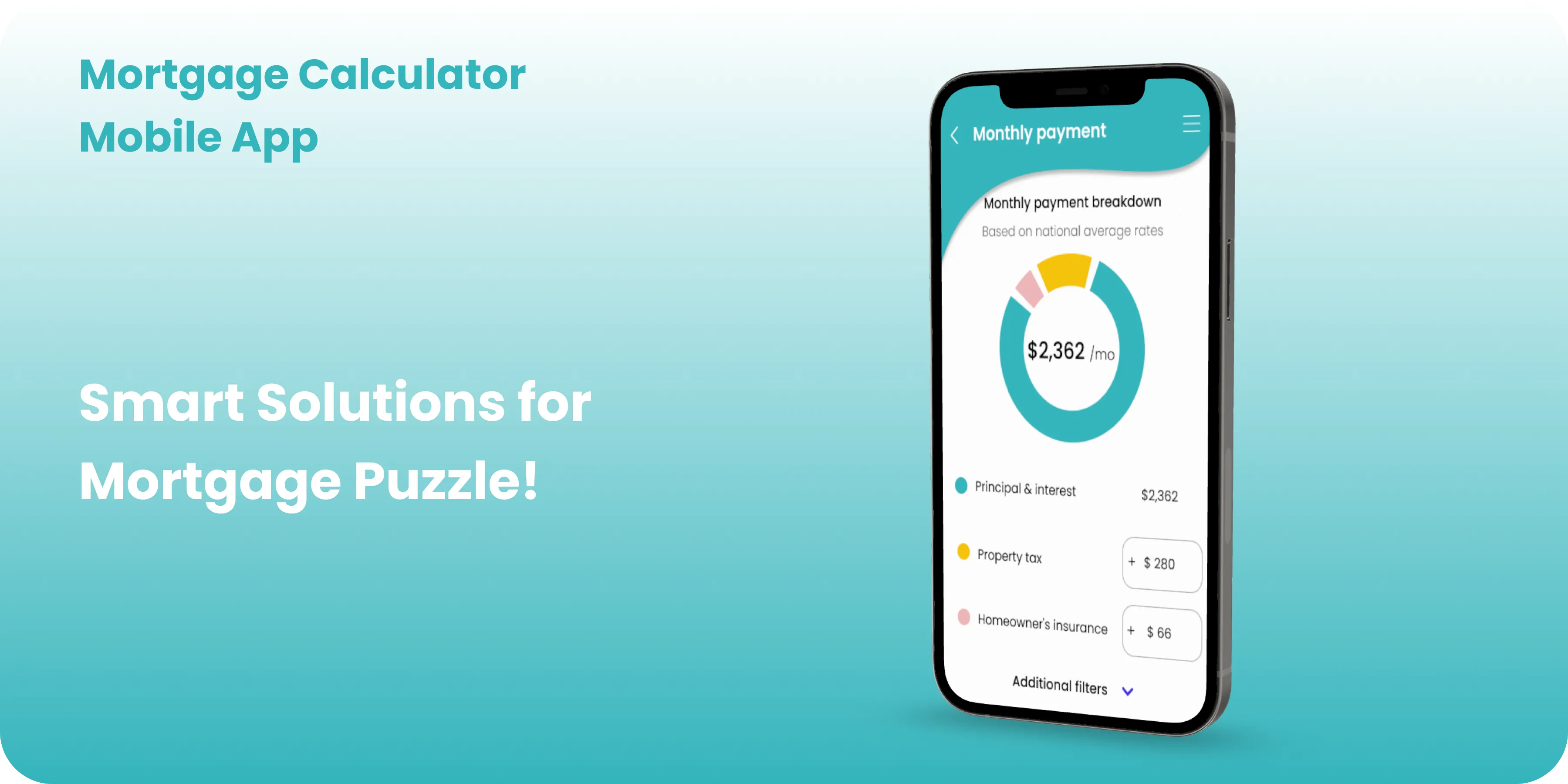
In a market cluttered with complex financial tools, Mortgage Calculator emerges as a beacon of simplicity, catering to individuals seeking straightforward solutions for home financing. This case study delves into the development and success of Mortgage Calculator, a user-friendly mortgage calculator app designed to simplify the mortgage calculation process and empower users to make informed decisions with ease.
My Role
UX/UI Designer
My responsibilities
Engaging in thorough research, both on paper and digitally, crafting wireframes at different fidelity levels, conducting usability studies, accounting for accessibility and iteration on design.
Problem
Existing cloud solutions may lack the necessary storage capacity or fail to provide an automatic synchronization feature, resulting in a fragmented user experience.
Goals and Objectives
- Providing a user-friendly interface for easy navigation.
- Ensuring secure and efficient storage of up to 400GB.
- Implementing an automatic daily synchronization feature to streamline users' digital asset management.
Design Process
Design System
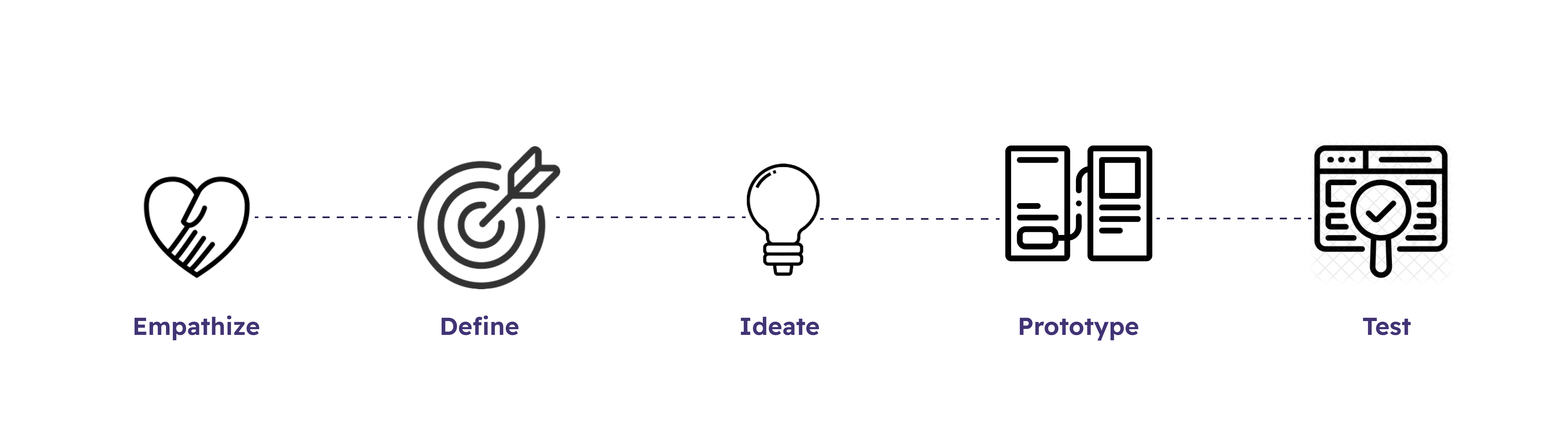
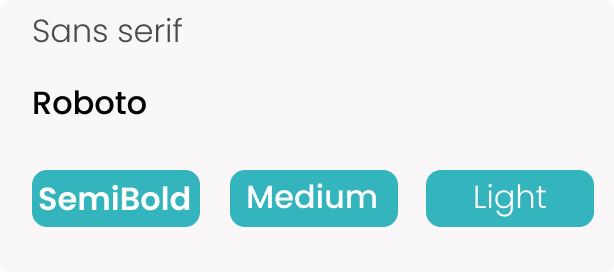
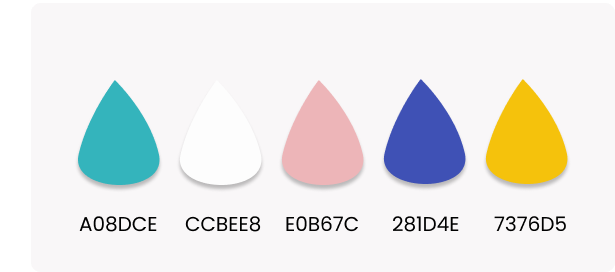
Mortgage Calculator design process revolves around simplicity and functionality. The app features six screens, each serving a specific purpose in the mortgage calculation process. Wireframes emphasize clean layouts and straightforward navigation, while the visual design enhances usability with clear typography and intuitive icons.
Typography
Colors
User Interviews
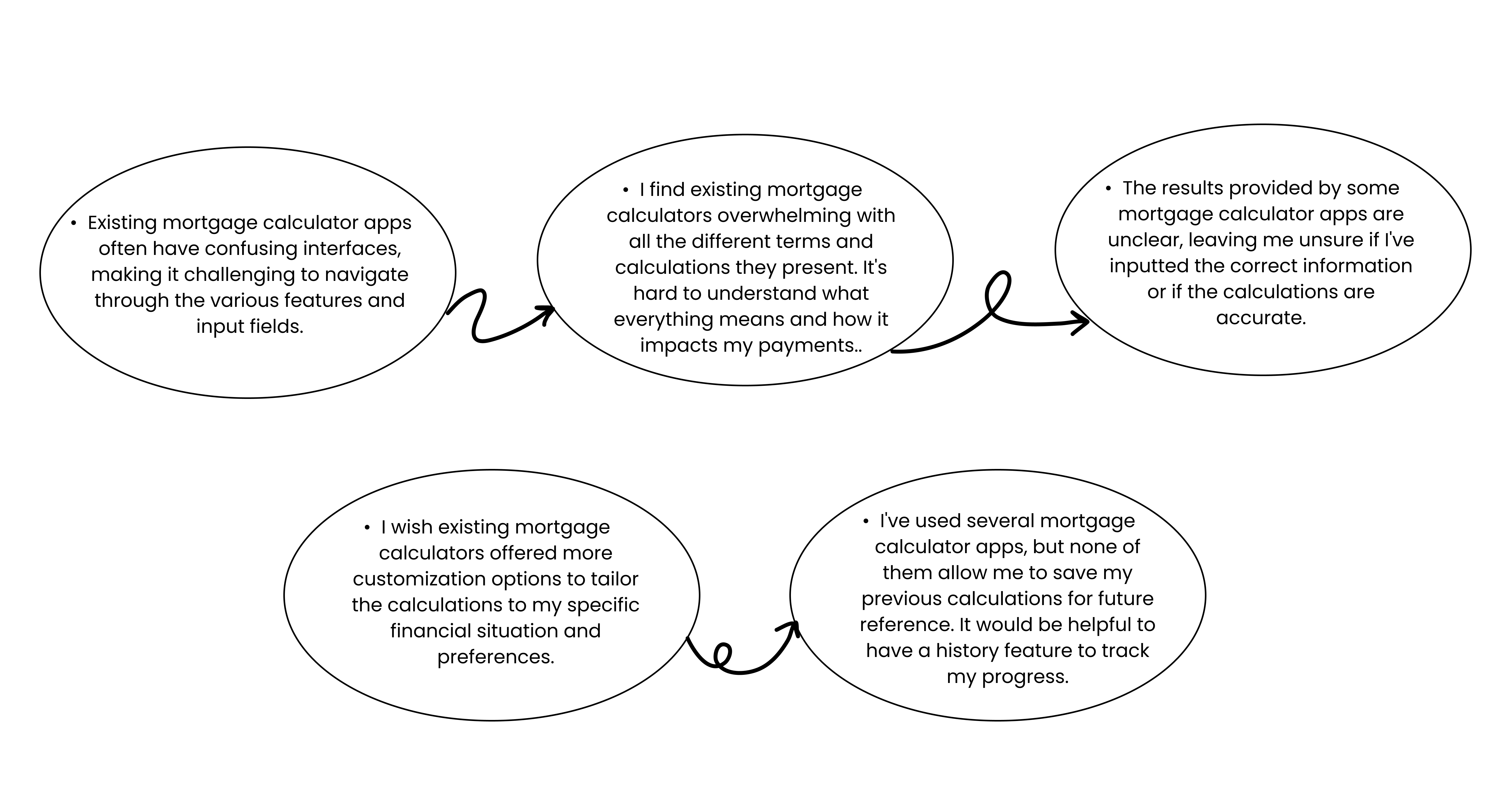
In this stage of the project, I took a closer look at the top Mortgage Calculator apps, checking out their main features and finding out what challenges they tackle.
User Research
The goal of user research is to understand the challenges users face with their digital storage experience on existing apps, identify problems, and determine the features or services that would enhance their experience.
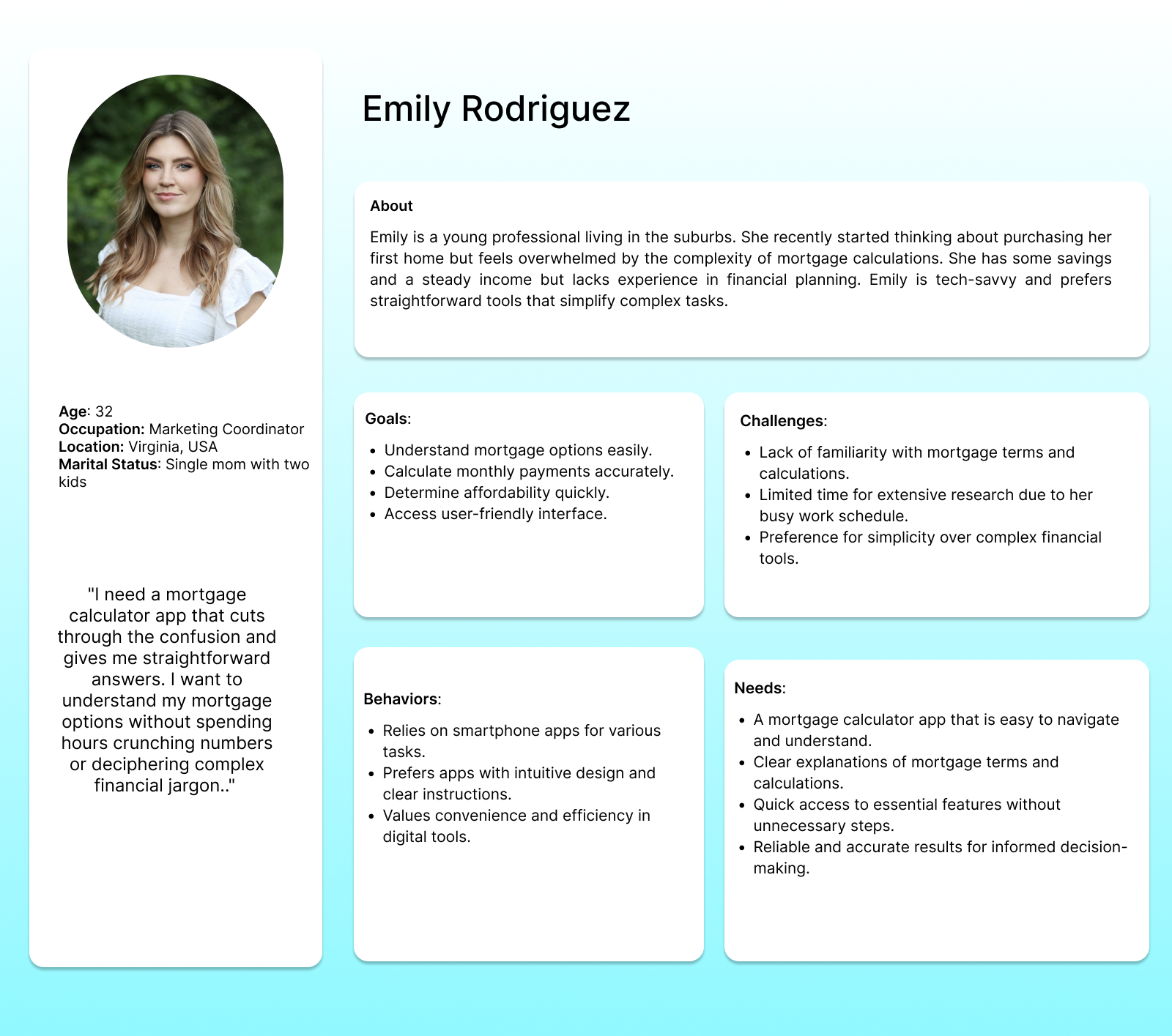
User Persona
After compiling the research outtakes into an affinity map, I developed a persona that accurately represents the main user group.
User Scenario
After creating my persona, I placed her in a specific situation to demonstrate product use. The primary use case was inspired by synthesized research from user interviews, competitive analysis revealing market gaps, and a persona I could fully empathize with.
Ideation
Features and Functionality
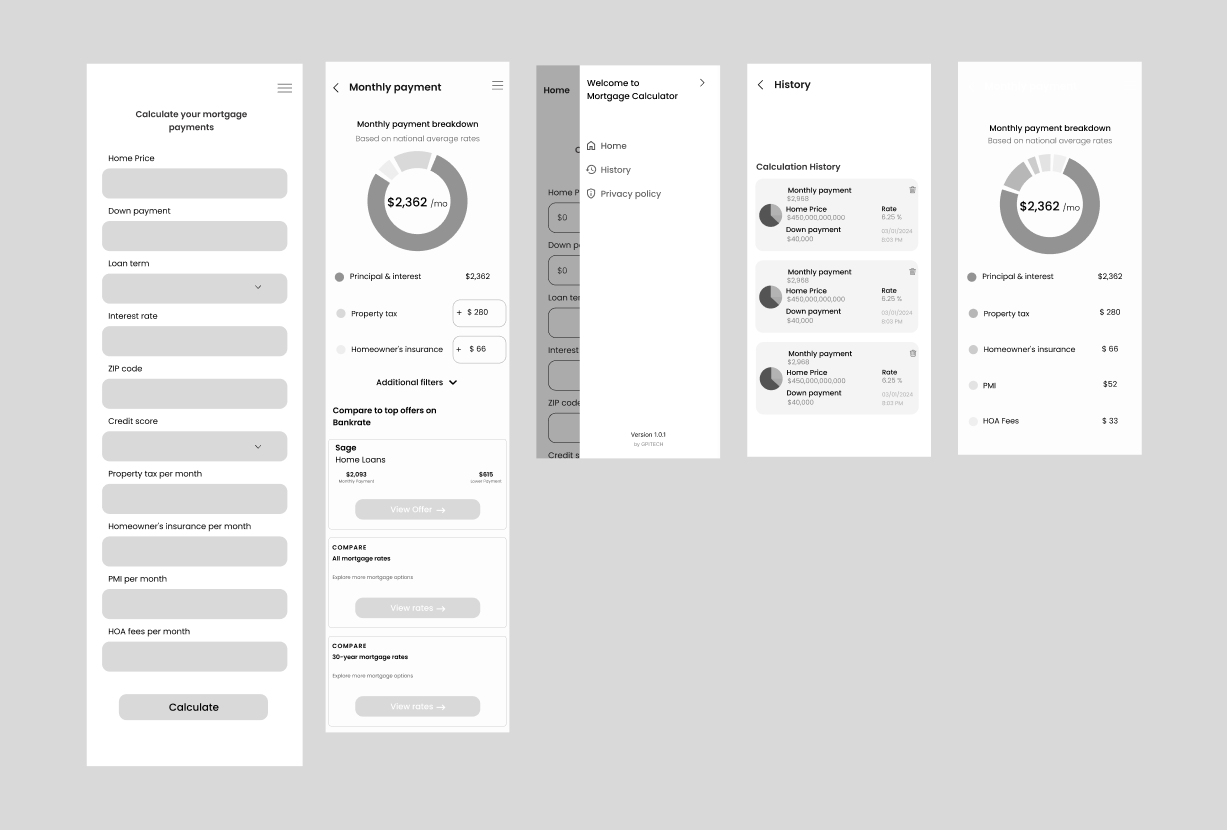
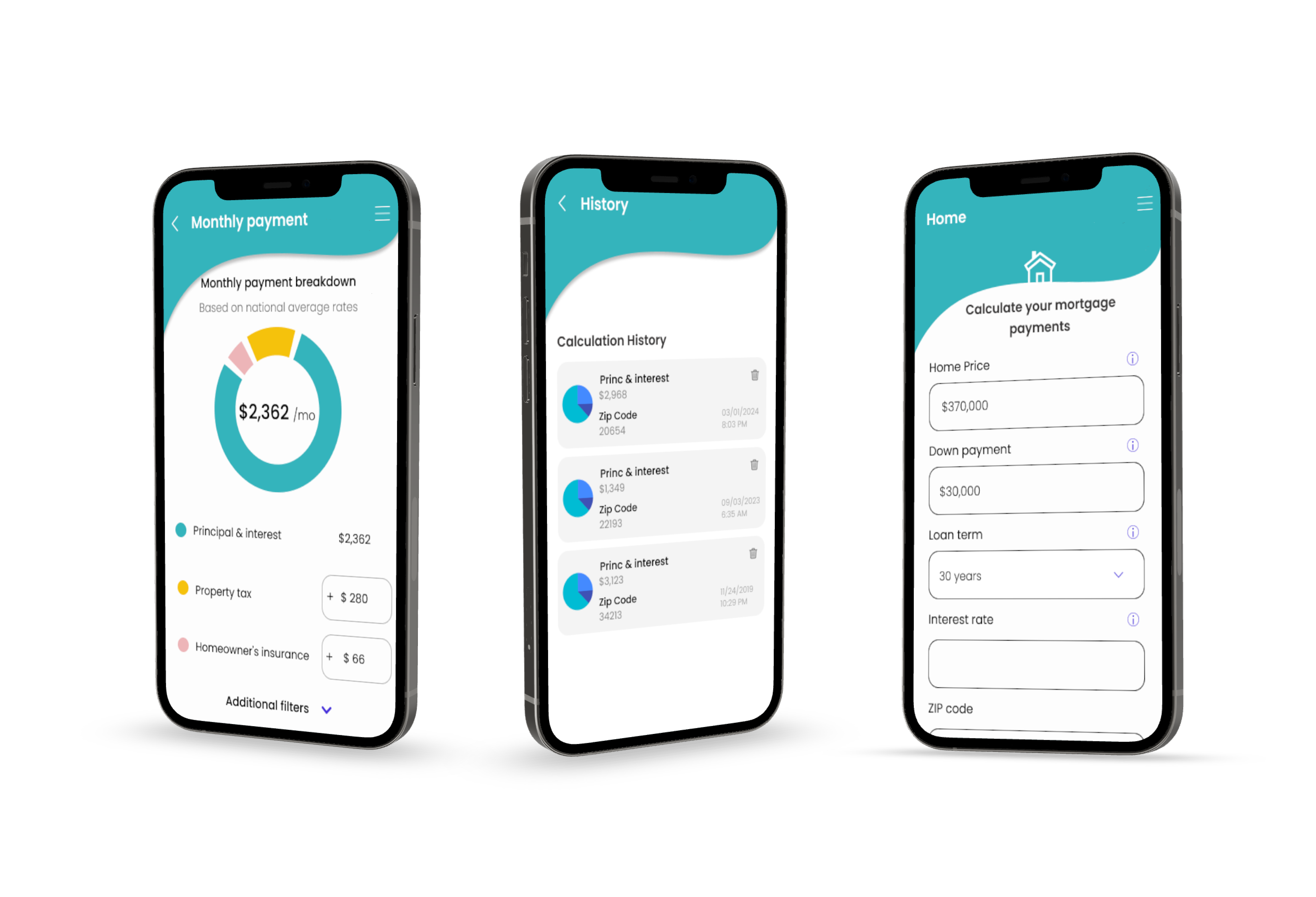
Mortgage Calculator screens include fields for users to input their mortgage details, a pie chart displaying the calculated monthly payment, and a history screen showcasing previous calculations. The app’s intuitive design allows users to navigate effortlessly between screens and access the information they need without unnecessary complexity.
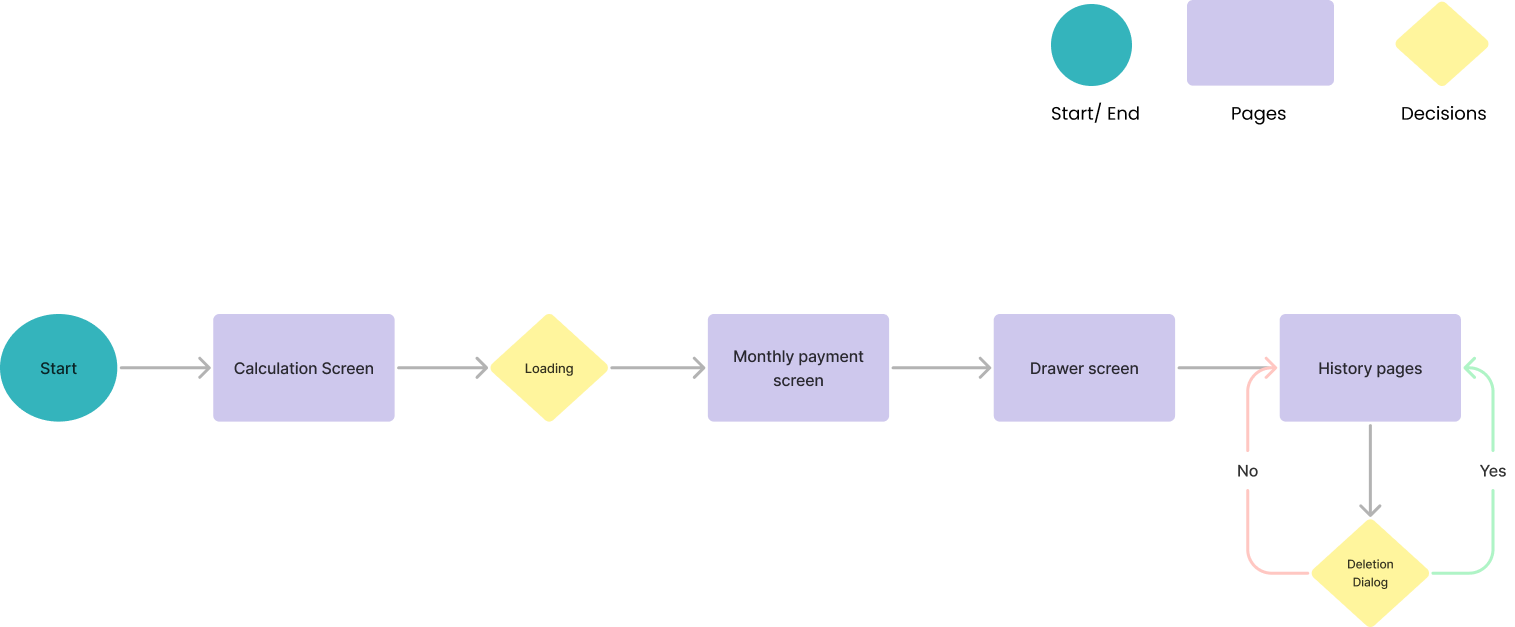
Initial Task Flows
After having defined the features of the app, I created flows for the main tasks.
Low-Fidelity Wireframes
Visual mockups showcase key screens, including the fields to calculate screen, calculation result screens, and the history of the previous results. These visuals provide a tangible representation of Mortgage Calculator’s final design, emphasizing its aesthetic appeal and user-friendly interface.
High-Fidelity Mockups
Testing and Iteration
User testing played a crucial role in refining Mortgage Calculator’s design and functionality. Feedback from users highlighted the importance of clarity and simplicity in the app’s interface, leading to iterative adjustments to enhance the overall user experience.
Conclusion
In conclusion, Mortgage Calculator app represents a breakthrough in mortgage calculation with its simple and user-friendly approach. By prioritizing ease of use and functionality, Mortgage Calculator empowers users like Emily to make informed financial decisions confidently and efficiently.